Choose Teams for a branded preparation workspace
Your priority is client intake, staff collaboration, selected-page sharing, and reusable form information under your own brand.
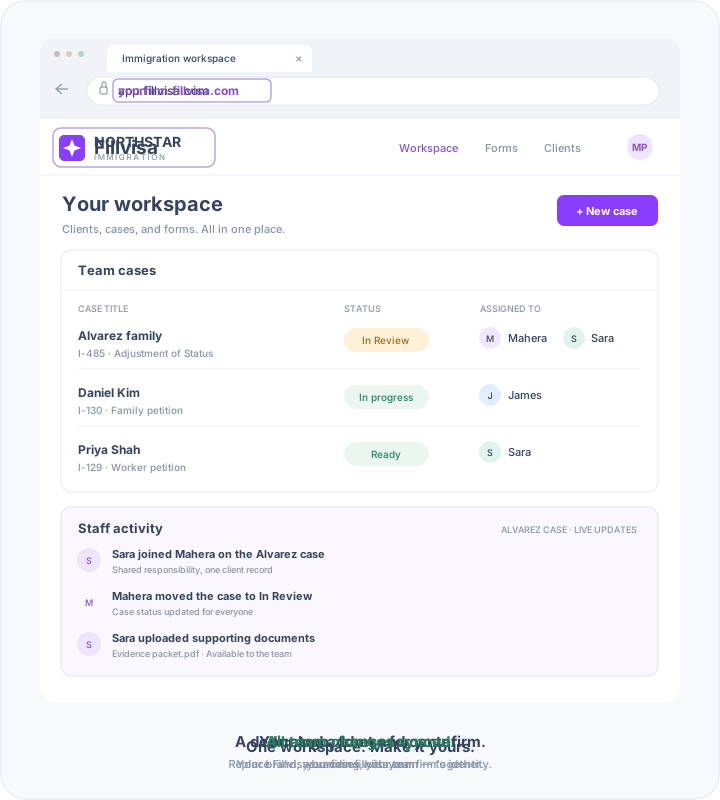
Give your organization a dedicated workspace with your own logo, intake forms, client dashboard, and case management system - powered by Fillvisa.
The short answer
Fillvisa Teams brings your brand, custom domain, staff, and clients into a shared immigration preparation workspace. Plans start at $99/month, with fixed staff tiers up to 15 users.
Docketwise documents a hosted client portal with sharing controls for forms, tasks, invoices, and files. Its setup guide links clients to client.docketwise.com; confirm any customer-owned domain or additional branding options directly.
Source: Docketwise official documentation. Branding review: October 31, 2026.
Fillvisa Teams monthly totals alongside Docketwise Basic. Compare staff access and required capabilities as well as price.
Immigration forms and case management
Monthly billing. Basic plan.
Your branded immigration workspace
Monthly totals, not per-user charges.
| Staff users | Monthly total |
|---|---|
| 1 | $99 |
| 2–5 | $249 |
| 6–10 | $499 |
| 11–15 | $699 |
No setup fee. Every tier includes the same Team features.
USD. Teams prices are monthly totals by staff tier; competitor rates and product scope differ. Basic is the entry plan. Docketwise lists e-filing and e-signatures on Pro and above. Competitor pricing source · Pricing reviewed October 30, 2026. Confirm current terms and required add-ons. Teams plan details
Compare the details
| Requirement | Fillvisa Teams | Docketwise |
|---|---|---|
| Logo and branding | Your logo and white-label workspace. | Docketwise documents a hosted client portal with sharing controls for forms, tasks, invoices, and files. Its setup guide links clients to client.docketwise.com; confirm any customer-owned domain or additional branding options directly. |
| Customer-owned domain | Included; use an address such as portal.yourfirm.com. | Confirm portal-domain mapping, branding scope, and plan availability with the provider. |
| Staff collaboration | Shared preparation work, document updates, and staff activity. | Confirm seat counts, staff permissions, and workflow requirements. |
| Page-level sharing | Choose specific form pages for clients to complete. | Ask for a demonstration of sharing granularity; portal access alone is not evidence of page-level sharing. |
| Profiles and automation | Reusable Immigration Profiles, Smart Forms, supported PDFs and online autofill. | Verify exact forms, outputs, and automation in your selected plan. |
Unverified features are questions to confirm, not claims that the competitor lacks them.
Choose around your workflow
Your priority is client intake, staff collaboration, selected-page sharing, and reusable form information under your own brand.
Your firm relies on connected immigration case tracking and practice-management tools.
Which portal resources and case-management functions would your team need to retain? Test a representative client workflow and confirm exports, retention, and any migration assistance before ending another subscription.
Working solo?
If you need one staff account with Fillvisa branding, explore the Fillvisa Plus vs. Docketwise comparison. Plus is a different product from the branded Teams workspace.
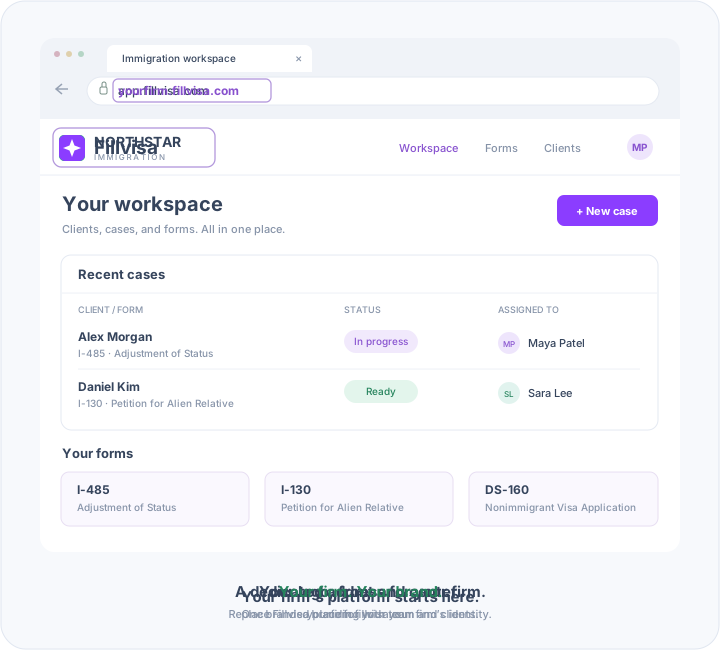
Give clients a familiar place to work with your firm. Fillvisa Team brings your logo and customer-owned custom domain to the portal where they complete their immigration forms.
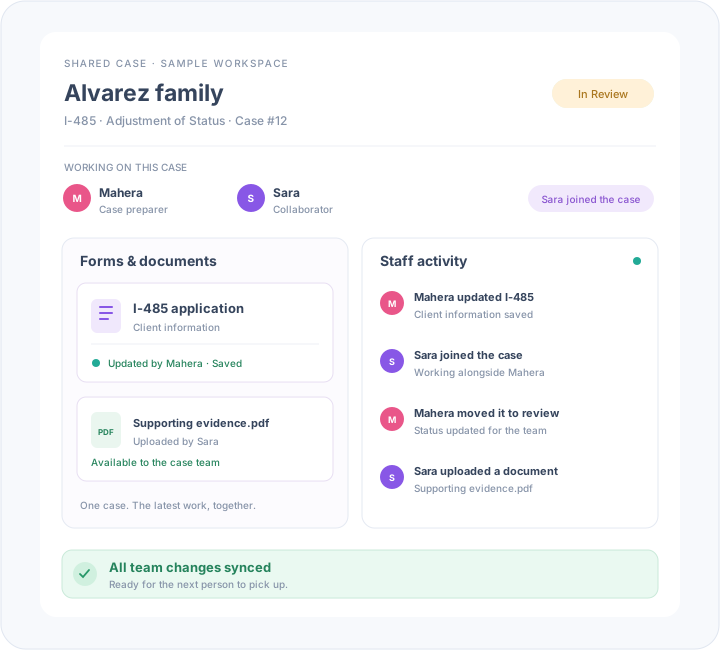
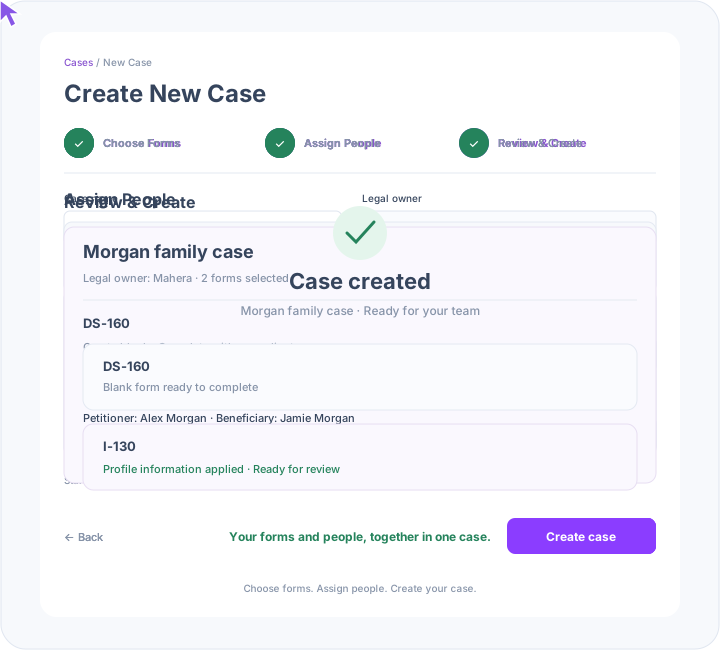
Bring the right people into each case. Staff can work together on client forms and documents, with activity updates that make it easier to pick up where a teammate left off.
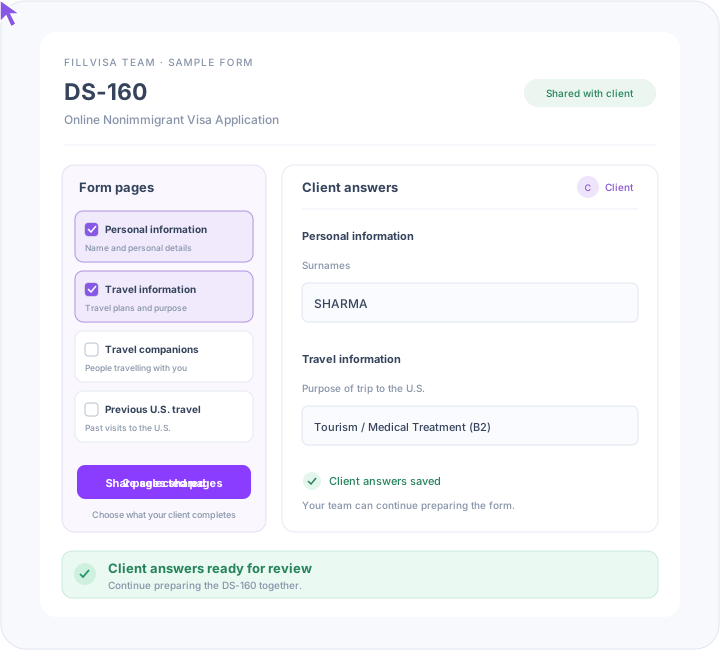
Make it clear where clients can help. Share specific form pages and invite clients to enter their information directly, so your team can spend less time copying answers from emails.
Build a reusable Immigration Profile for each client. Bring saved information into additional forms so your team can focus on the details that need attention instead of entering the same answers again.
Adjustment of Status
Petition for Alien Relative
E-Notification of Application Acceptance
Everything your team needs to turn client information into prepared forms. Fillvisa Team includes the core preparation tools in Plus, alongside your branded workspace and staff collaboration.
Questions before you launch
Docketwise documents a hosted client portal with sharing controls for forms, tasks, invoices, and files. Its setup guide links clients to client.docketwise.com; confirm any customer-owned domain or additional branding options directly.
Monthly totals are $99 for one staff user, $249 for 2–5, $499 for 6–10, and $699 for 11–15. Every tier includes the same Team features. These are not per-user prices; no annual Team price is offered on this page.
Yes. Teams includes your logo, a white-label workspace, and a customer-owned custom domain such as portal.yourfirm.com. A dedicated Fillvisa subdomain is also available. Discuss your preferred address during setup.
Share selected form pages with a client so they can contribute their information directly. Your staff can review their answers and continue preparing the application together.
Yes. Teams includes the core preparation tools in Plus: Smart Forms, reusable Client Immigration Profiles, supported official USCIS PDF outputs, and supported online autofill. Check the form directory for your required outputs.
This offer is a branded Teams workspace. It does not promise source-code ownership, self-hosting, or software resale rights.
Book a call to choose the staff tier, agree the portal address and branding, and review your intake and supported-form workflow. Test representative outputs and plan record retention before switching systems.
Fillvisa Teams
Your branding, your domain, and a shared preparation workspace. From $99/month, with staff tiers to fit your organization.
Book a Call