Document preparation specialists
For independent document preparers handling repeat client information across immigration forms.
Explore this workflowFocused immigration form preparation for independent professionals: collect client answers, reuse their information, and prepare supported forms for review.
Compare Fillvisa Plus with Docketwise Basic for your preparation workflow.
Monthly
Yearly
Immigration forms and case management
Monthly billing. Basic plan.
$80/user/month equivalent, billed annually.
For individual immigration professionals
One staff user. Billed monthly.
Billed annually. Save $80 per year.
USD. Plus includes one staff user and Fillvisa branding. Competitor information checked October 30, 2026. Basic is the entry plan. Docketwise lists e-filing and e-signatures on Pro and above. Official pricing and plan details. Taxes and add-ons excluded. Products have different capabilities.
Collecting answers, chasing documents, and repeating information across forms can consume the preparation day. Start with structured client intake and reuse the information you have reviewed.
Reuse Immigration Profiles across supported forms.
Invite clients to contribute their information directly.
Keep client uploads and saved work in one preparation workflow.
Prepare official PDFs for the details that need your attention.
Find your workflow
Explore how Plus fits your preparation process. Every Plus account includes one staff user; organizations with shared staff access should explore Teams.
For independent document preparers handling repeat client information across immigration forms.
Explore this workflowFor solo immigration attorneys who want focused form preparation alongside their existing practice tools.
Explore this workflowFor individual immigration consultants who need an organized client intake and document preparation workflow.
Explore this workflowFor individual immigration specialists coordinating client information and preparing supported immigration forms.
Explore this workflowFor a single immigration paralegal or preparer who needs structured intake and reusable client information.
Explore this workflowFor specialists evaluating client intake and supported immigration form preparation alongside their existing PERM process.
Explore this workflowFor an independent notary providing document preparation services within the scope of their professional authorization.
Explore this workflowFor a single preparer in a tax or accounting business that also provides immigration document preparation services.
Explore this workflowFor a single preparer within a nonprofit or immigration support organization handling supported form workflows.
Explore this workflowThe common thread
Collect structured answers and supporting uploads in a client account.
Reuse the Immigration Profile, autofill official PDFs, and continue saved work in the cloud.
Check the prepared information and complete the official filing process.
✓ Accurate, immigration-focused forms built to reduce mistakes
✓ A smoother UX for clients, staff, and applicants
✓ Immigrants already use Fillvisa, so the experience feels familiar
✓ Open-source form technology you can trust and inspect
✓ Better intake flow, clearer questions, and fewer back-and-forth emails
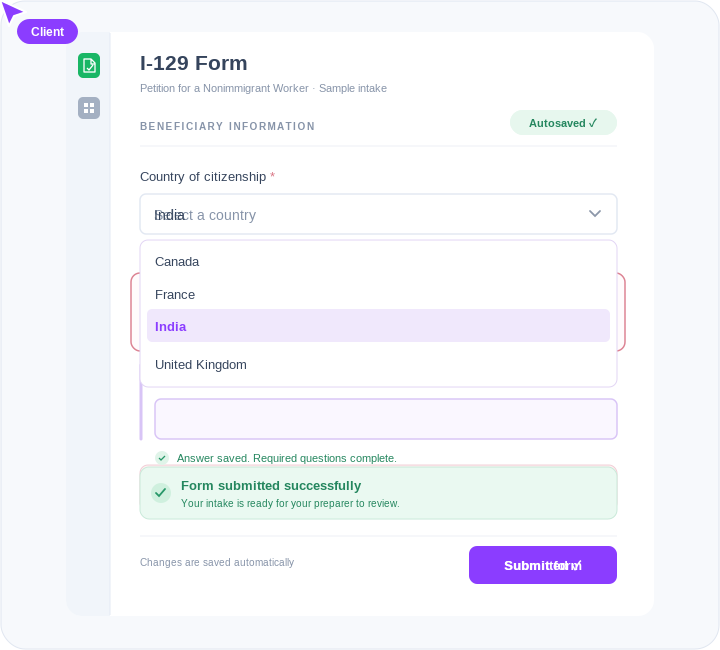
✓ Create client accounts and invite them to collaborate on immigration forms
✓ Let clients enter and update their own information, reducing manual data entry
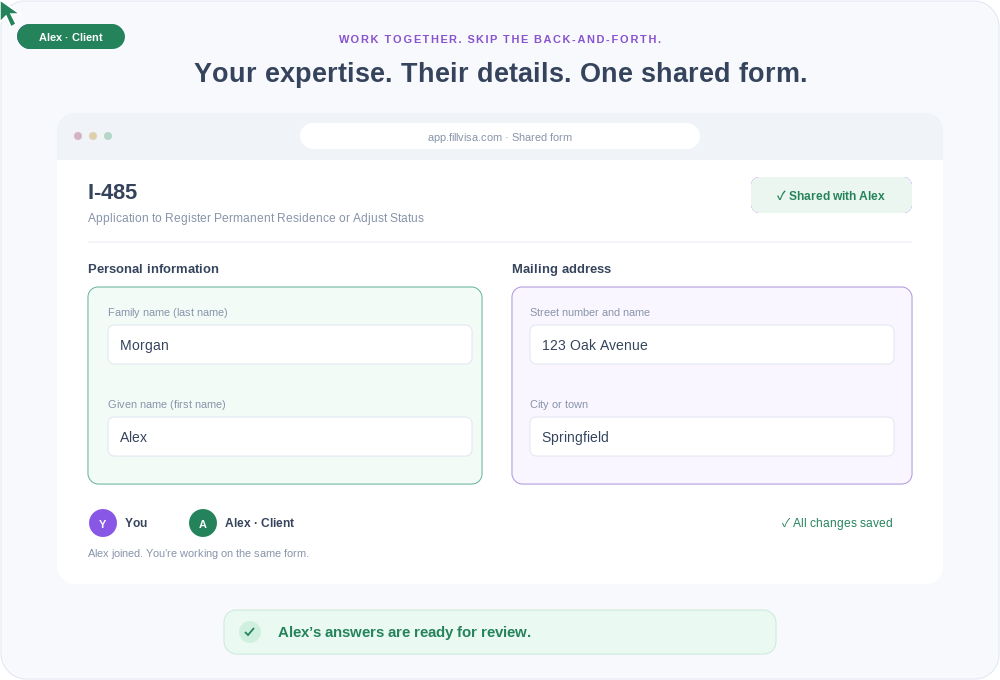
✓ Work together on the same form, with everyone contributing their part
✓ Collect client information once through a unified Immigration Profile and reuse it across multiple forms
✓ Reduce back-and-forth emails, avoid repetitive questions, and complete applications faster
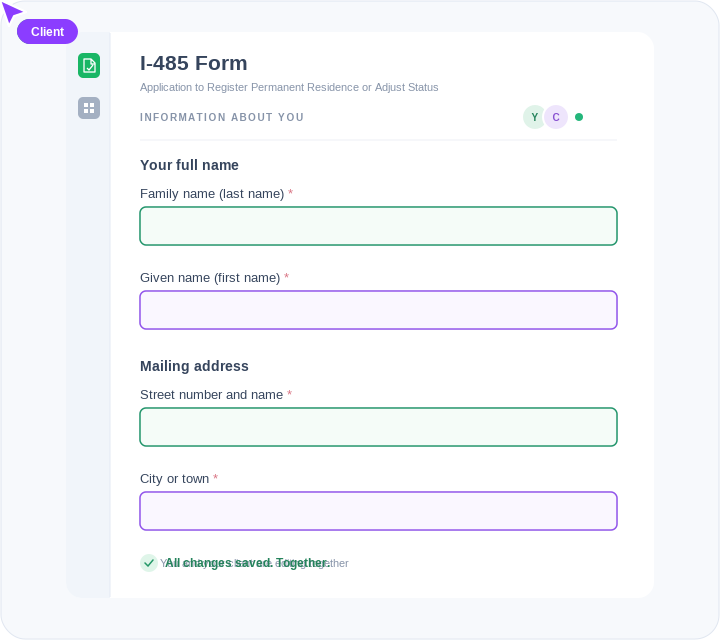
✓ Automatically populate official USCIS PDFs with accurate client information
✓ Enter client information once and reuse it across multiple immigration forms
✓ Stay up to date with the latest USCIS form editions and revisions
✓ Smart field mapping and validation to minimize errors and missing information
✓ Download completed, ready-to-review USCIS PDFs without manual data entry
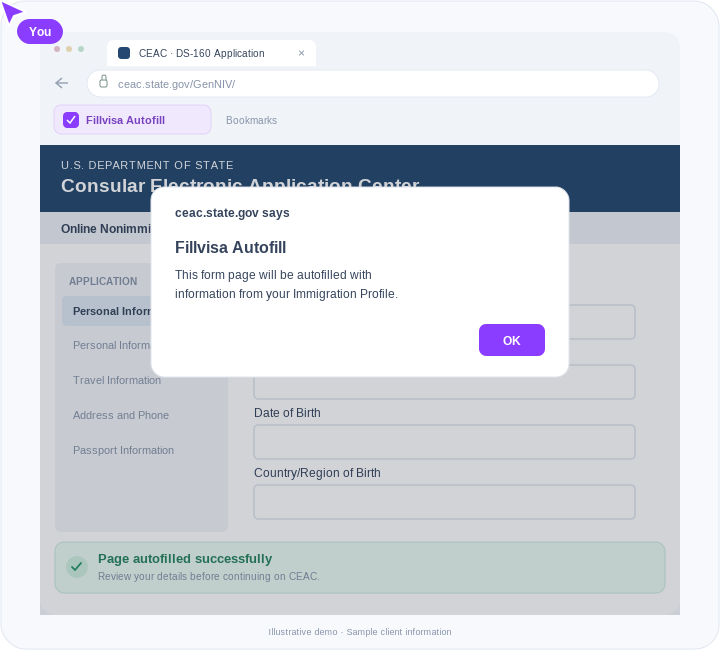
✓ Automatically fill DS-160 and supported USCIS online forms directly on official government websites
✓ One-click autofill using our browser bookmarklet - no extensions or complicated setup
✓ Prepare information at your own pace, without worrying about government website timeouts
✓ Accurate field mapping to reduce manual data entry and minimize mistakes
✓ Review and submit forms directly on official government websites, with full control over the process
Your role and your current software are two parts of the same decision. Compare the preparation workflow, staff access, and capabilities you actually need.
Explore software comparisons →Plus costs $40/month or $400/year for one staff user. It includes unlimited client accounts and a 7-day free trial with no credit card required.
Use the form directory to verify the supported forms and outputs you need. Plus includes automatic form updates, supported official USCIS PDF outputs, and DS-160 and supported USCIS online autofill.
Yes. Create client accounts and invite clients to contribute answers and upload documents. The one-user limit applies to staff, not clients.
No. Plus uses Fillvisa branding and domain with one staff user. Explore Fillvisa Teams for a branded workspace and shared staff access.
No. Review the prepared PDFs or autofilled online answers and complete the official submission process yourself.
Your next client. Less repeated work.
$40/month or $400/year. One staff user. Unlimited client accounts.