Choose Plus for focused preparation
You are an individual preparer who needs client intake, reusable information, and supported form outputs.
Client intake. Reusable immigration profiles. Supported form outputs. Explore a $40/month workflow for an individual professional.
Compare Fillvisa Plus with Docketwise Basic for your preparation workflow.
Monthly
Yearly
Immigration forms and case management
Monthly billing. Basic plan.
$80/user/month equivalent, billed annually.
For individual immigration professionals
One staff user. Billed monthly.
Billed annually. Save $80 per year.
USD. Plus includes one staff user and Fillvisa branding. Competitor information checked October 30, 2026. Basic is the entry plan. Docketwise lists e-filing and e-signatures on Pro and above. Official pricing and plan details. Taxes and add-ons excluded. Products have different capabilities.
If your Docketwise evaluation is mainly about intake and form preparation, separate those requirements from the broader case-management tools. Compare what you will use every week.
Compare Plus’s $40 monthly plan with Docketwise’s per-user plans.
List the case tracking, calendar, and CRM functions you depend on.
Test client intake, profile reuse, and the exact supported outputs.
Confirm exports and record retention before changing platforms.
The short answer
Fillvisa Plus is an alternative to evaluate for supported immigration form preparation and client intake at $40/month or $400/year. It includes one staff user and unlimited client accounts.
Docketwise combines immigration questionnaires and forms with case management, invoicing, calendaring, and CRM capabilities. Plus is a focused preparation product, so compare the specific capabilities you depend on before switching.
Source: Docketwise official product information. Reviewed October 30, 2026.
Scope matters
Compare the job each product needs to do, not just its subscription price.
| Your requirement | Fillvisa Plus | Docketwise |
|---|---|---|
| Primary focus | Supported immigration form preparation and client intake. | Immigration forms, case management, and practice operations. |
| Price | $40/month or $400/year for one staff user. | Check the current plan, billing term, and inclusions directly with Docketwise. |
| Client workflow | Unlimited client accounts, intake, uploads, reusable profiles, and cloud sync. | Evaluate the intake and client tools included in your chosen plan. |
| Forms and outputs | Supported official USCIS PDFs, DS-160, and supported USCIS online autofill. | Verify your exact forms, outputs, and any required integrations. |
| Staff and branding | One staff user; Fillvisa domain and branding. Teams is a separate option. | Confirm staff access and branding requirements with the provider. |
| Switching | Import Fillvisa USCIS PDFs. No direct Docketwise migration is promised. | Confirm export options and record retention before leaving. |
Sources: Fillvisa Plus features and plans · Docketwise official product information. These products are not equivalent feature packages.
You are an individual preparer who needs client intake, reusable information, and supported form outputs.
You rely on connected immigration case tracking, invoicing, or CRM.
Try before switching
Test the forms and intake you use most, then identify which case-management functions you would keep elsewhere.
Choose the forms and outputs you use most and check the Fillvisa directory.
Use the 7-day trial to evaluate intake, profile reuse, client uploads, and supported outputs.
Review results and retain required records. Confirm export and migration needs before ending another subscription.
✓ Accurate, immigration-focused forms built to reduce mistakes
✓ A smoother UX for clients, staff, and applicants
✓ Immigrants already use Fillvisa, so the experience feels familiar
✓ Open-source form technology you can trust and inspect
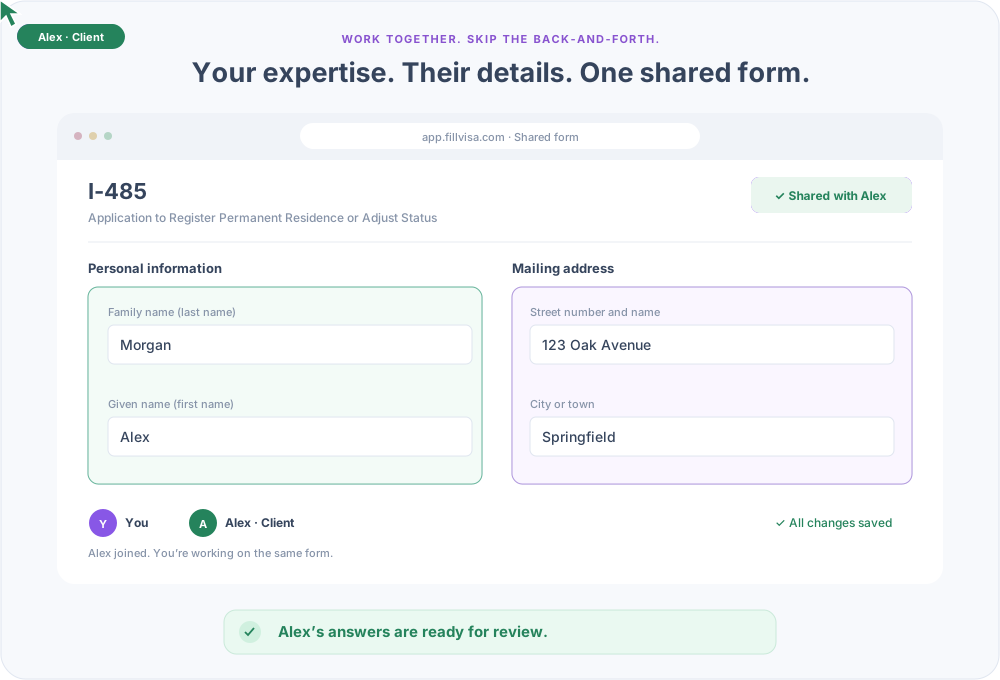
✓ Better intake flow, clearer questions, and fewer back-and-forth emails
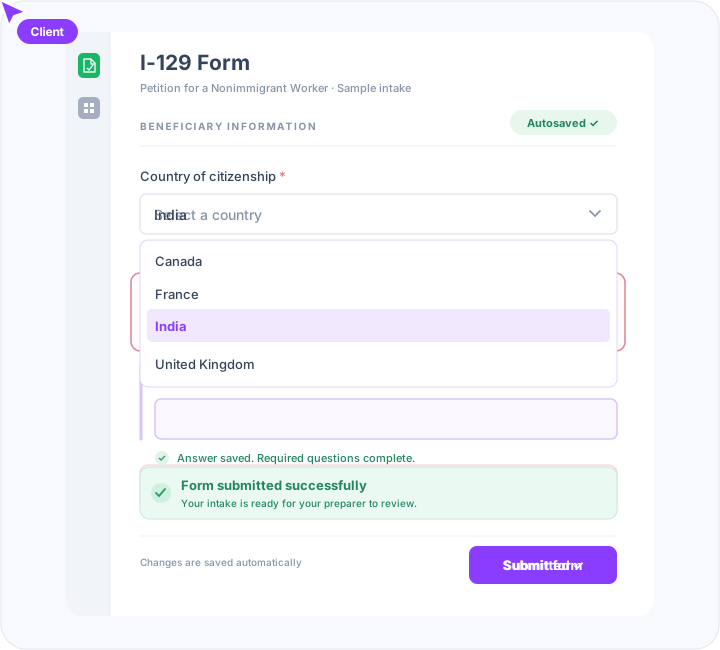
✓ Create client accounts and invite them to collaborate on immigration forms
✓ Let clients enter and update their own information, reducing manual data entry
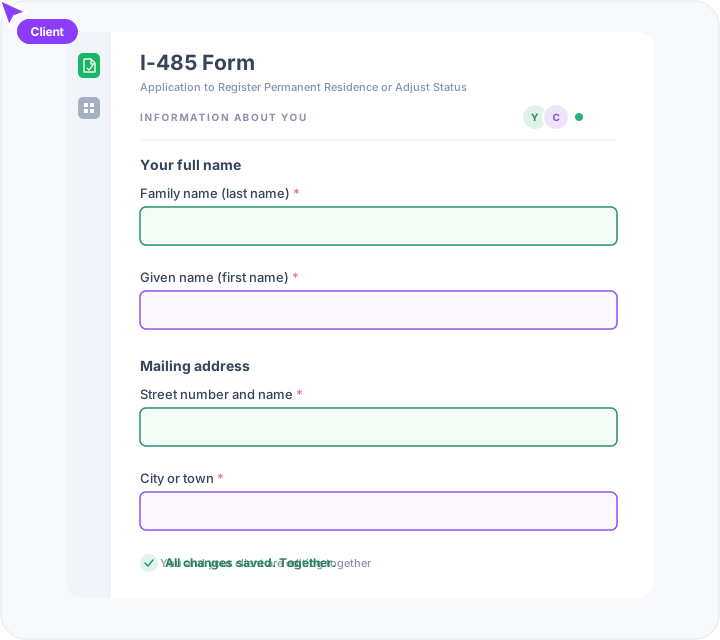
✓ Work together on the same form, with everyone contributing their part
✓ Collect client information once through a unified Immigration Profile and reuse it across multiple forms
✓ Reduce back-and-forth emails, avoid repetitive questions, and complete applications faster
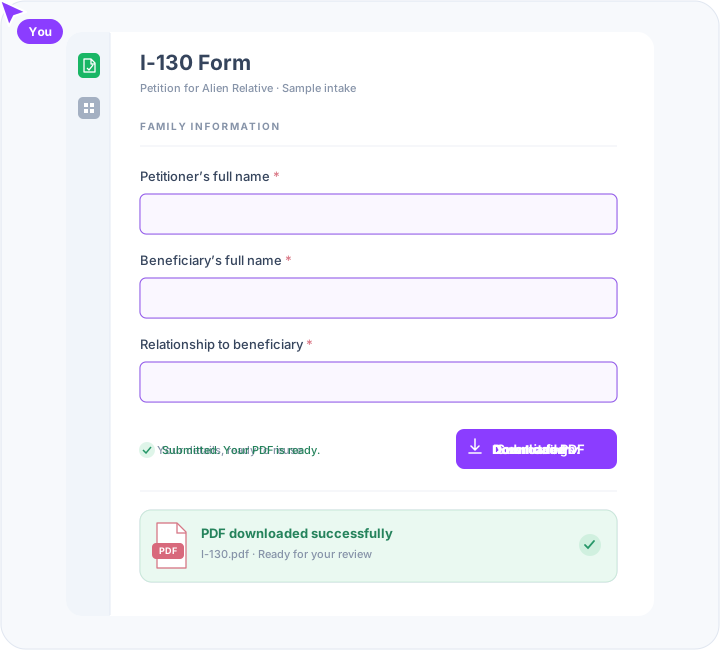
✓ Automatically populate official USCIS PDFs with accurate client information
✓ Enter client information once and reuse it across multiple immigration forms
✓ Stay up to date with the latest USCIS form editions and revisions
✓ Smart field mapping and validation to minimize errors and missing information
✓ Download completed, ready-to-review USCIS PDFs without manual data entry
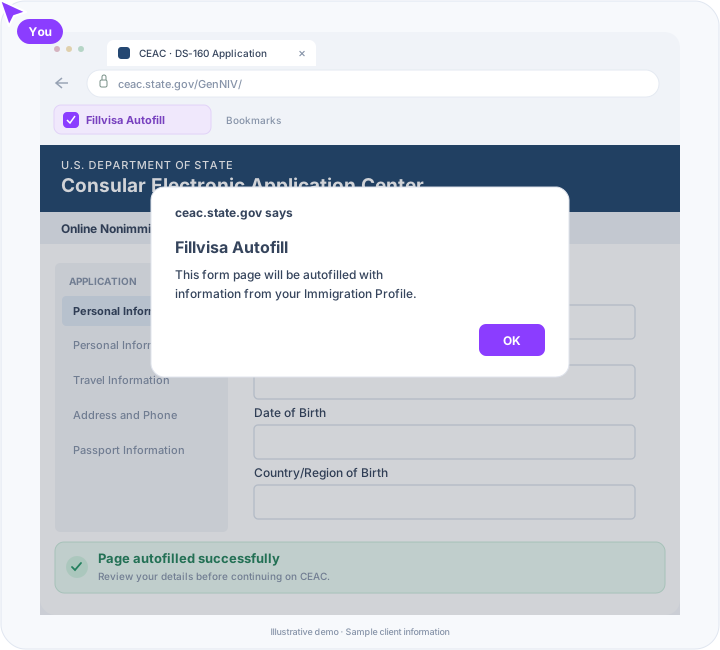
✓ Automatically fill DS-160 and supported USCIS online forms directly on official government websites
✓ One-click autofill using our browser bookmarklet - no extensions or complicated setup
✓ Prepare information at your own pace, without worrying about government website timeouts
✓ Accurate field mapping to reduce manual data entry and minimize mistakes
✓ Review and submit forms directly on official government websites, with full control over the process
A closer look at fit
For independent document preparers handling repeat client information across immigration forms.
Explore this workflowFor solo immigration attorneys who want focused form preparation alongside their existing practice tools.
Explore this workflowFor an independent notary providing document preparation services within the scope of their professional authorization.
Explore this workflowExplore the Fillvisa Teams white-label Docketwise alternative for a branded portal, custom domain, and shared staff access.
No complete replacement is promised. Evaluate Plus for supported immigration intake and form preparation, and separately account for the Docketwise capabilities your practice uses.
No direct competitor migration is promised. Plus supports importing Fillvisa USCIS PDFs. Confirm export options and test the workflow before moving client records.
Plus costs $40/month or $400/year for one staff user. It includes unlimited client accounts and a 7-day free trial with no credit card required.
Use the form directory to verify the supported forms and outputs you need. Plus includes automatic form updates, supported official USCIS PDF outputs, and DS-160 and supported USCIS online autofill.
Yes. Create client accounts and invite clients to contribute answers and upload documents. The one-user limit applies to staff, not clients.
No. Plus uses Fillvisa branding and domain with one staff user. Explore Fillvisa Teams for a branded workspace and shared staff access.
No. Review the prepared PDFs or autofilled online answers and complete the official submission process yourself.
Your next client. Less repeated work.
$40/month or $400/year. One staff user. Unlimited client accounts.